· The Tokatab Team · Tokatab News · 3 min to read
Tokatab - Listen Mode
Learning piano alone is possible, but it can sometimes lack direct feedback on what you're playing. You may already know Tokatab's MIDI mode, which allows the application to follow your playing via a keyboard connected by USB. But what about acoustic pianos or non-connected keyboards? That's where listen mode comes in!
Learning piano alone is possible, but it can sometimes lack direct feedback on what you’re playing. You may already know Tokatab’s MIDI mode, which allows the application to follow your playing via a keyboard connected by USB. But what about acoustic pianos or non-connected keyboards? That’s where listen mode comes in!
What is Listen Mode?
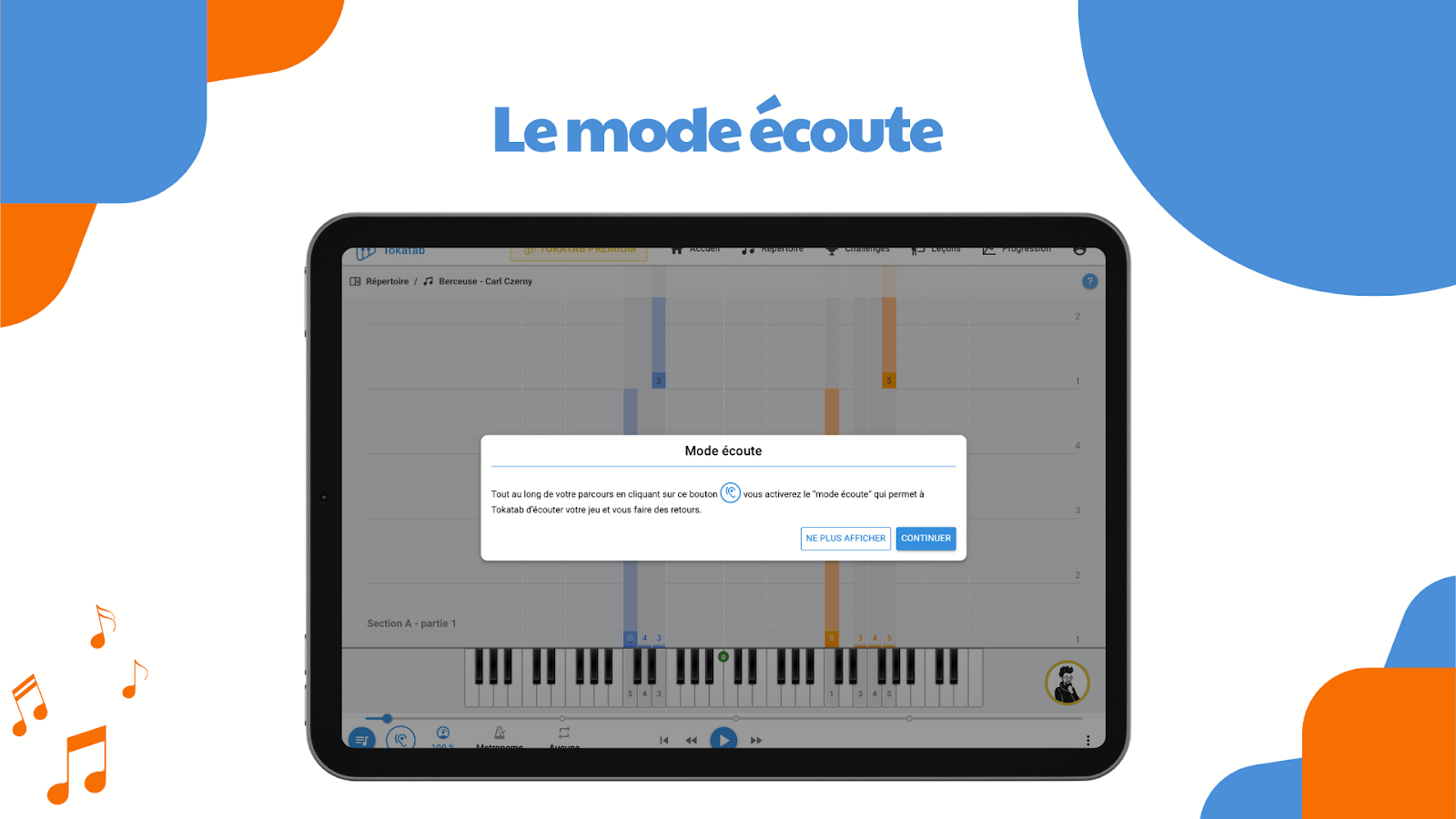
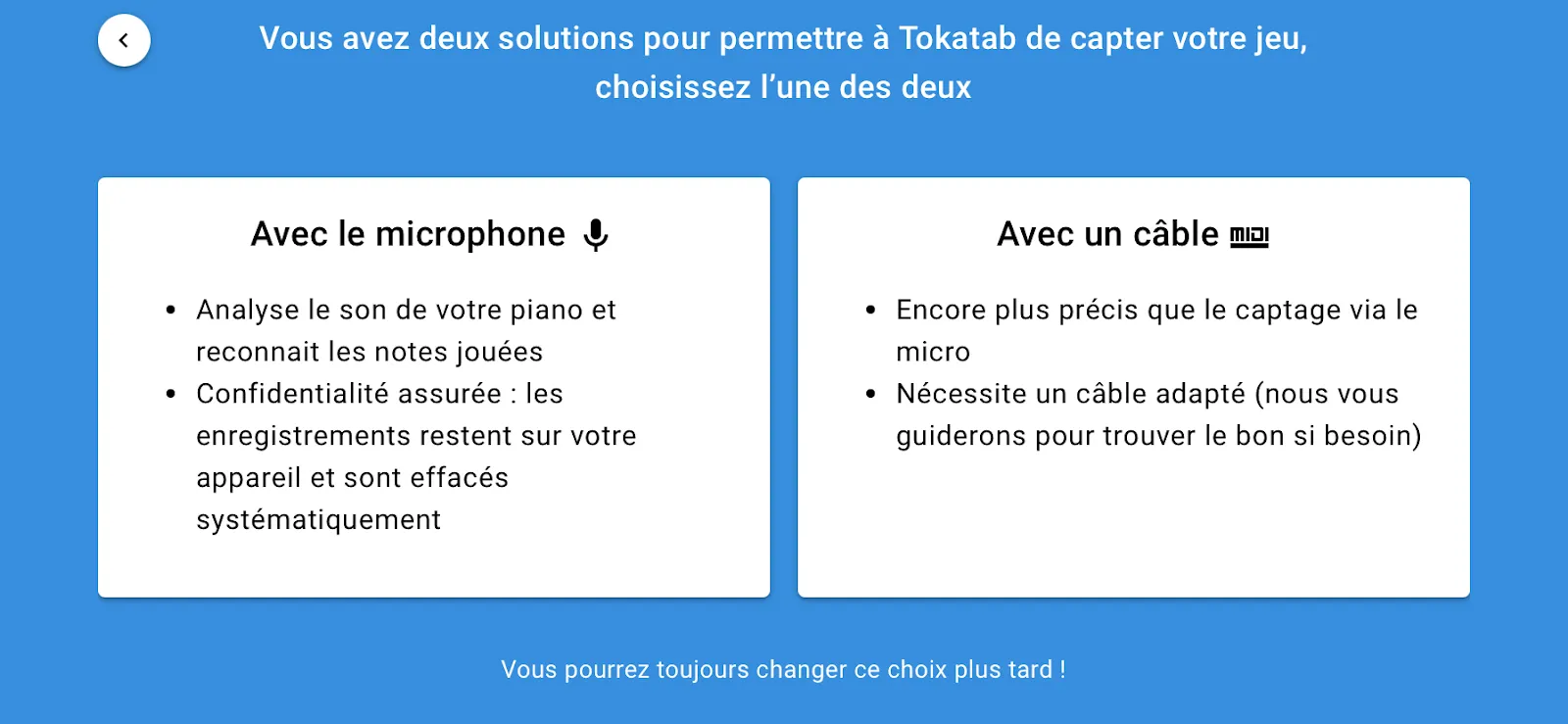
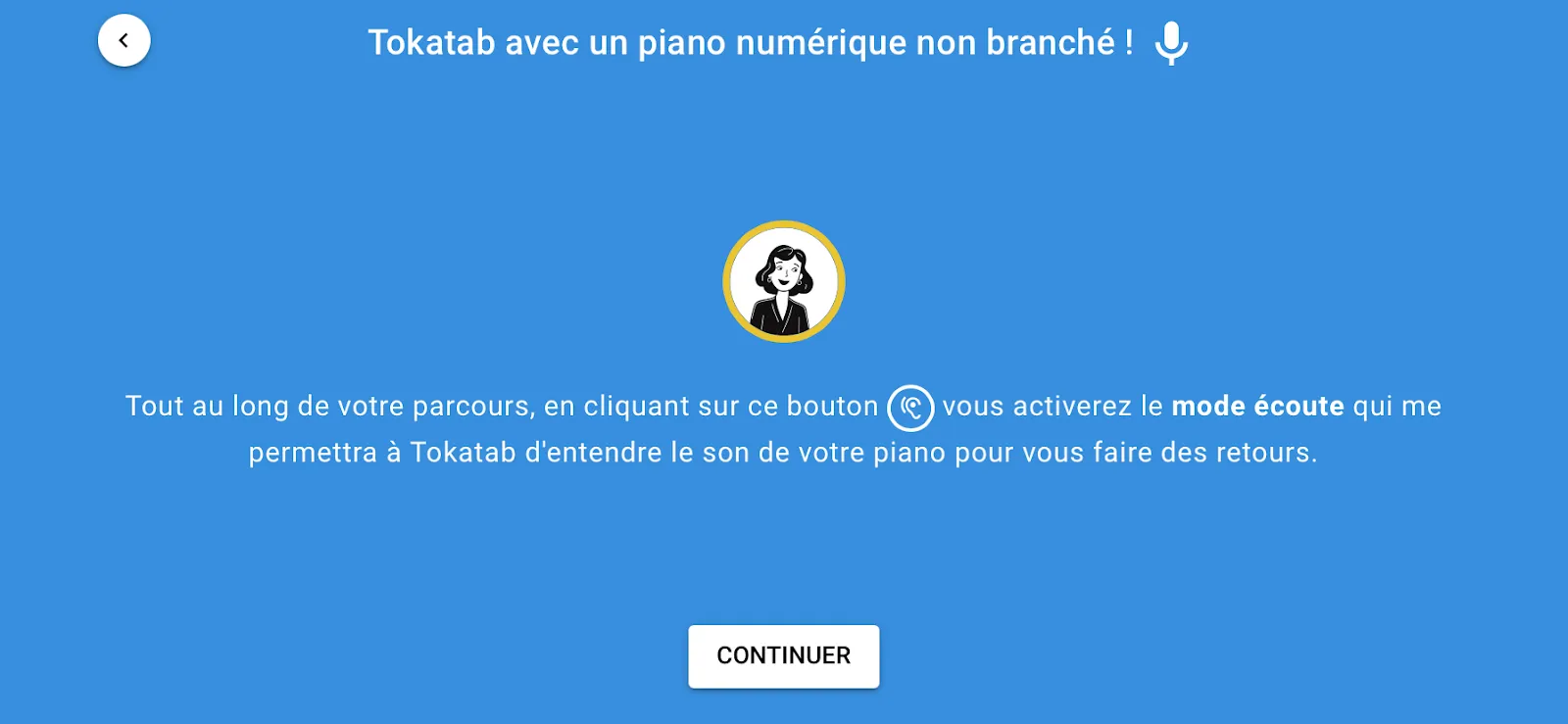
With our brand new listen mode, Tokatab is now capable of hearing your piano playing. Concretely, the application uses your device’s microphone (phone, tablet or computer) to analyze in real time the notes you play.
Yes, you read that right! Tokatab can now listen to what you play.
How to Activate and Use Listen Mode?
It’s simple! By activating listen mode 👂, Tokatab transforms into a real teacher listening to your notes to analyze each sound, correct you and closely follow your progression. In short, we become your ears and your teacher, without ever judging your wrong notes.
- Activate listen mode in the application.
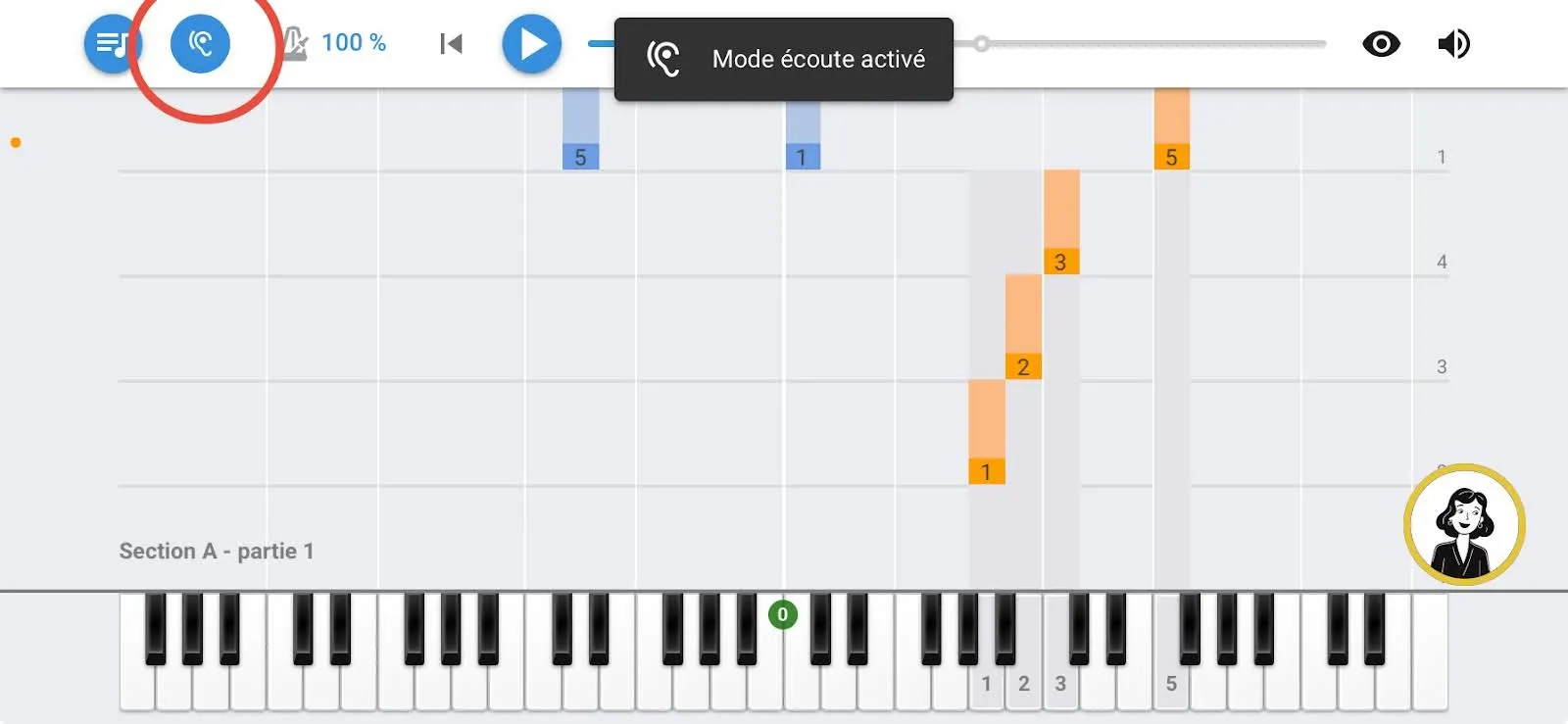
- Play on your piano or keyboard, as you normally would.
- Tokatab analyzes the sound captured by the microphone and recognizes the notes played.
- The application guides you based on your playing: it validates correct notes, helps you spot errors and follows your progression.
Why Activate Listen Mode?
With Listen Mode, we’re no longer talking about a simple learning tool, but a true musical accompaniment.
- Instant feedback on your playing: Tokatab analyzes the notes you play and detects points to work on. You’ll have precise corrections to improve piece by piece.
- Personalized tracking: Thanks to this analysis, we offer you exercises and pieces adapted to your current skills. You progress at your own pace, without getting lost in exercises that are too simple or too complex.
- Intelligent learning: With listen mode, Tokatab isn’t just an application: it’s a virtual teacher that takes into account your progression and adjusts its recommendations.
We designed this mode to meet the needs of apprentice pianists who want to progress, but also for those who want concrete feedback on their performances without having to consult a physical teacher. Tokatab listens, analyzes, and motivates you to give the best of yourself.
Listen Mode is Available on Phone/Tablet/Computer.
With a tablet, phone or computer, no more chaos of flying scores or pages getting tangled! By using Tokatab, you have all your scores well organized in the same place, ready to use. No more need to juggle ten paper pages that fly away at the slightest breeze – your tablet, phone and even computer stay well-behaved.
Technology Designed for Your Progression
Where Tokatab goes even further is that our intelligent technology analyzes your journey, your progression, your errors and your strengths to offer you the pieces most adapted to your skills and the right pieces to progress or review. Having trouble with a gesture? No worries, our lessons are there to help you work on it. And yes, it’s always important to be accompanied when learning new things.
So, ready to discover a new level of learning with Tokatab? Test listen mode now and let yourself be guided.